Work from plans, an instruction or a subcontractor’s document. Keep your own pricing and judgement in the process.
Turn plans into a draft.
Select the sheets you need. Review extracted items and quantities, with matches to your own catalogue and kits.
Check the take-off, matches and prices. Price or remove unmatched items.
Example: select the electrical sheets from a larger drawing package.
Selected plans01
+ your catalogue & kits
AI-ASSISTED DRAFT
Scope
Items
Pricing
Your review comes next ↗
Illustration
Say the change. Review the draft.
Type or speak an instruction against a draft quote or variation. Preview the proposed changes and apply the ones you choose.
Check quantities, item choices and pricing before applying.
“Add six downlights to the ground floor.”
↓
Proposed change
+6
DownlightsReview the catalogue match
Preview→Choose→Apply
Illustration
Bring their quote into yours.
Read a subcontractor’s PDF into a reviewable response. Check the extracted lines and printed prices, then use selected pricing with your markup.
Unreadable prices need your attention. Importing a PDF does not send an invitation or place an order.
Example: bring a plumbing quote into a larger customer quote.
PDFSubcontractor quote
Scope + printed prices
→
Reviewable response Lines Prices Your selection
Checked pricing + your markup → customer quote
Illustration
AI can miss or misread details. Check scope and pricing before sending. AI uses credits and depends on your plan, settings and permissions. What the fee offer covers
The next steps in the job
Price it clearly. Deliver it together.
Use the tools that fit your work, from a single trade job to a quote involving several subcontractors.
One scope of workStructured quote request
↓
Partner AResponse
Partner B Selected
Partner CResponse
↓Your customer quote+ your markup
Illustration
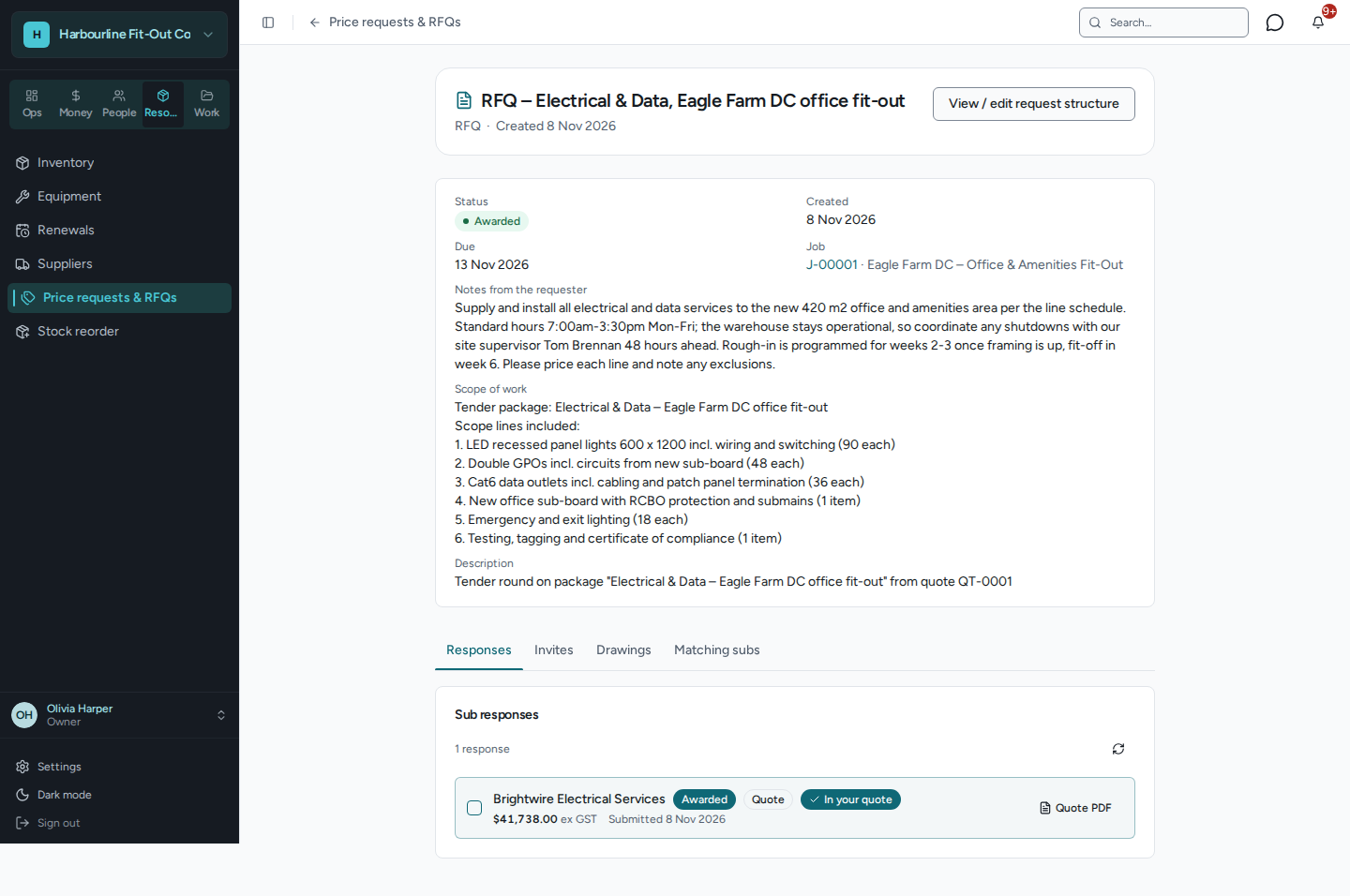
Generate and manage RFQs.
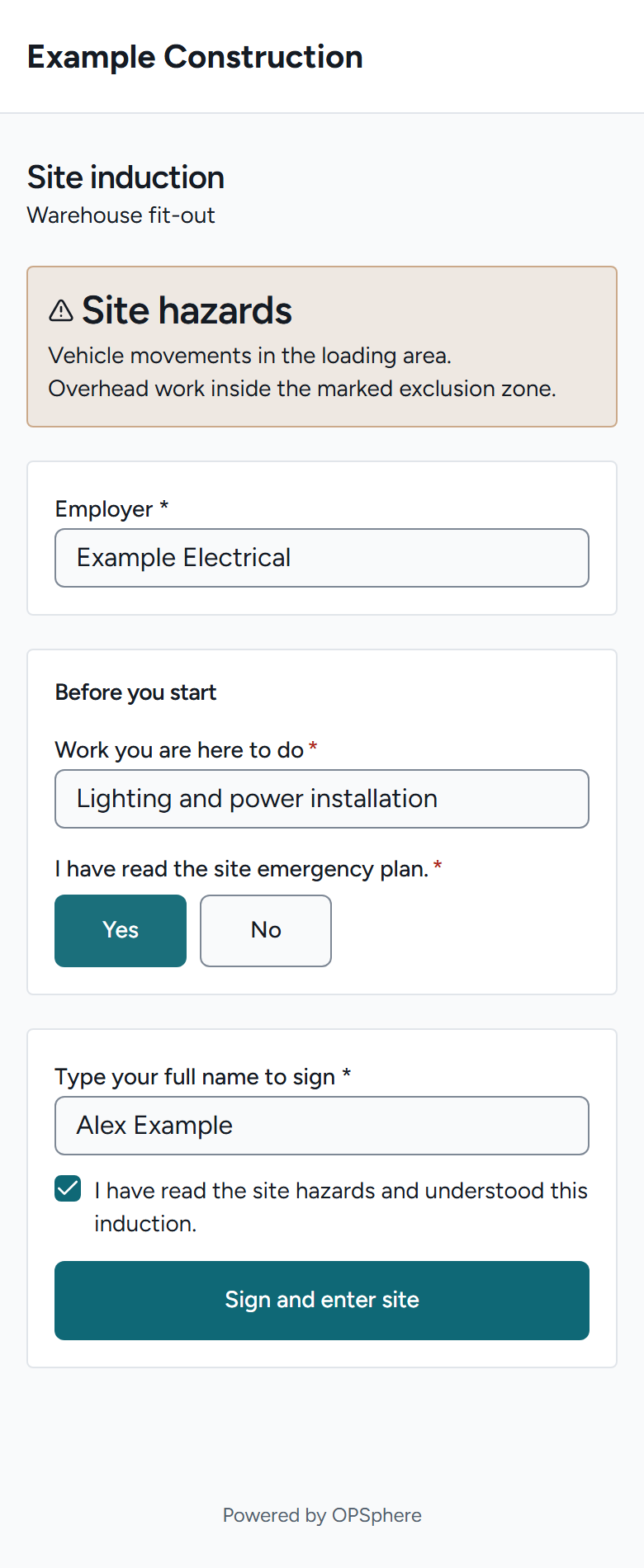
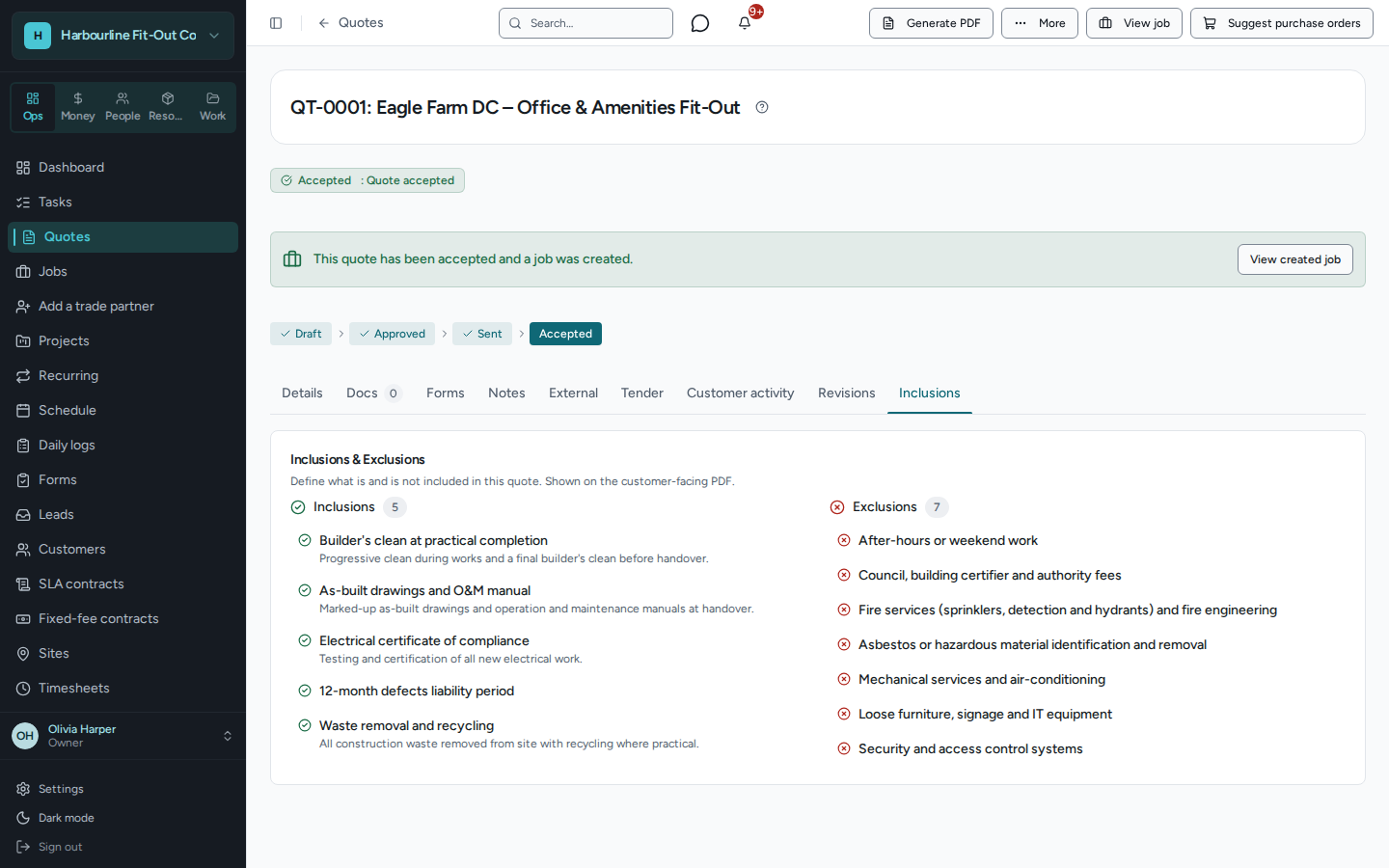
Turn quote sections and tasks into a structured request for quote. Track rounds and responses, compare the same scope, and bring selected pricing back with your markup.
One trade or several in one customer quote
Compare responses by section and task
RFQ access follows business connections or an approved access request. Selecting a price does not place an order; supplier price requests are separate.
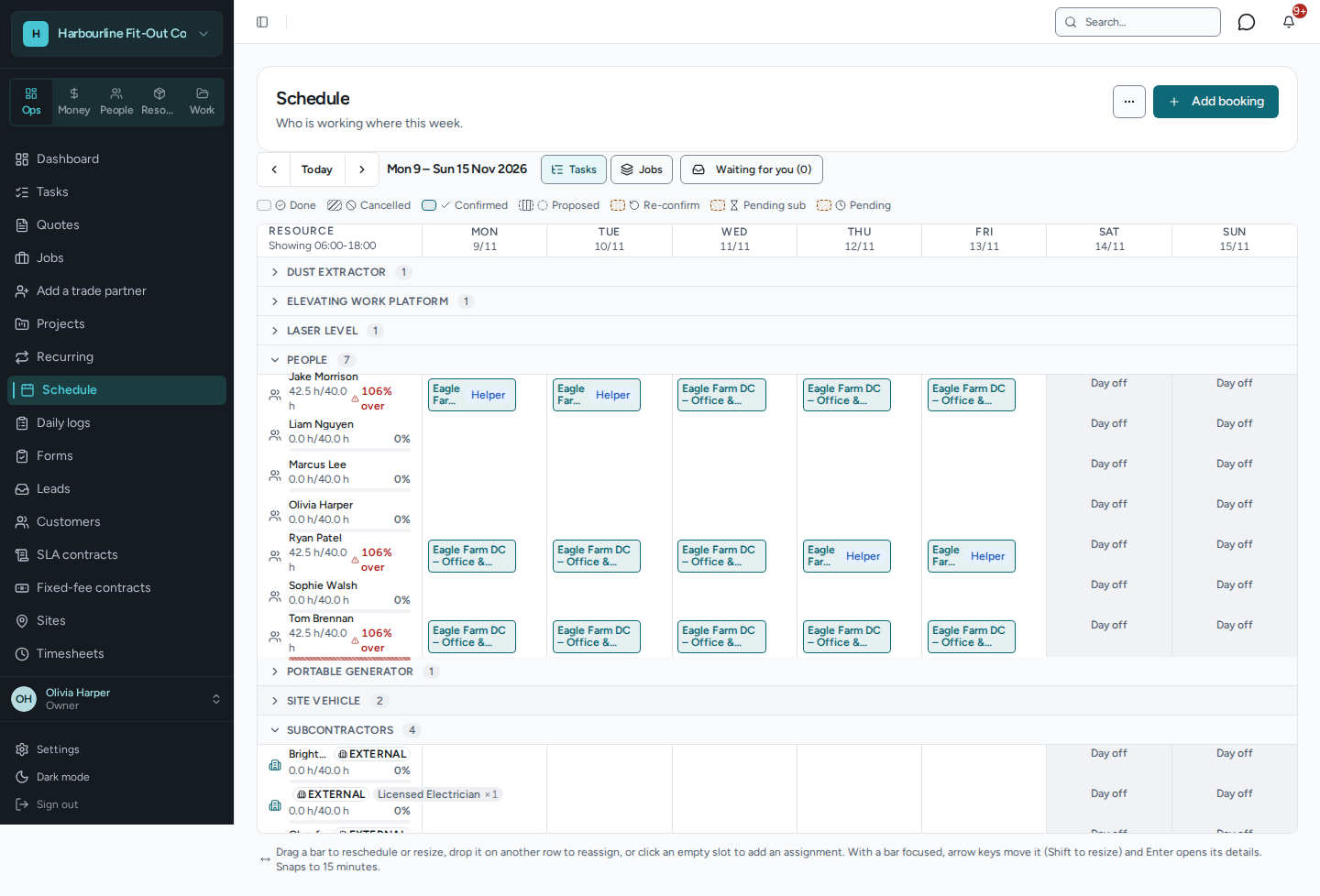
Plan your people, crews and equipment together. Review capacity, conflicts and dependent work when dates change; partner bookings keep their acceptance and access controls.
Quoting gets the job started. These are the tools around it that keep your operation moving.
Keep the customer and the work together
Leads, customer records, a customer portal, documents and forms.
+
Leads, customers and sites
Track enquiries, customer contacts and site records alongside the quotes and jobs they relate to.
Customer portal
Let customers review shared quotes and invoices, respond to quotes and see the job information you make available.
Templates, documents and forms
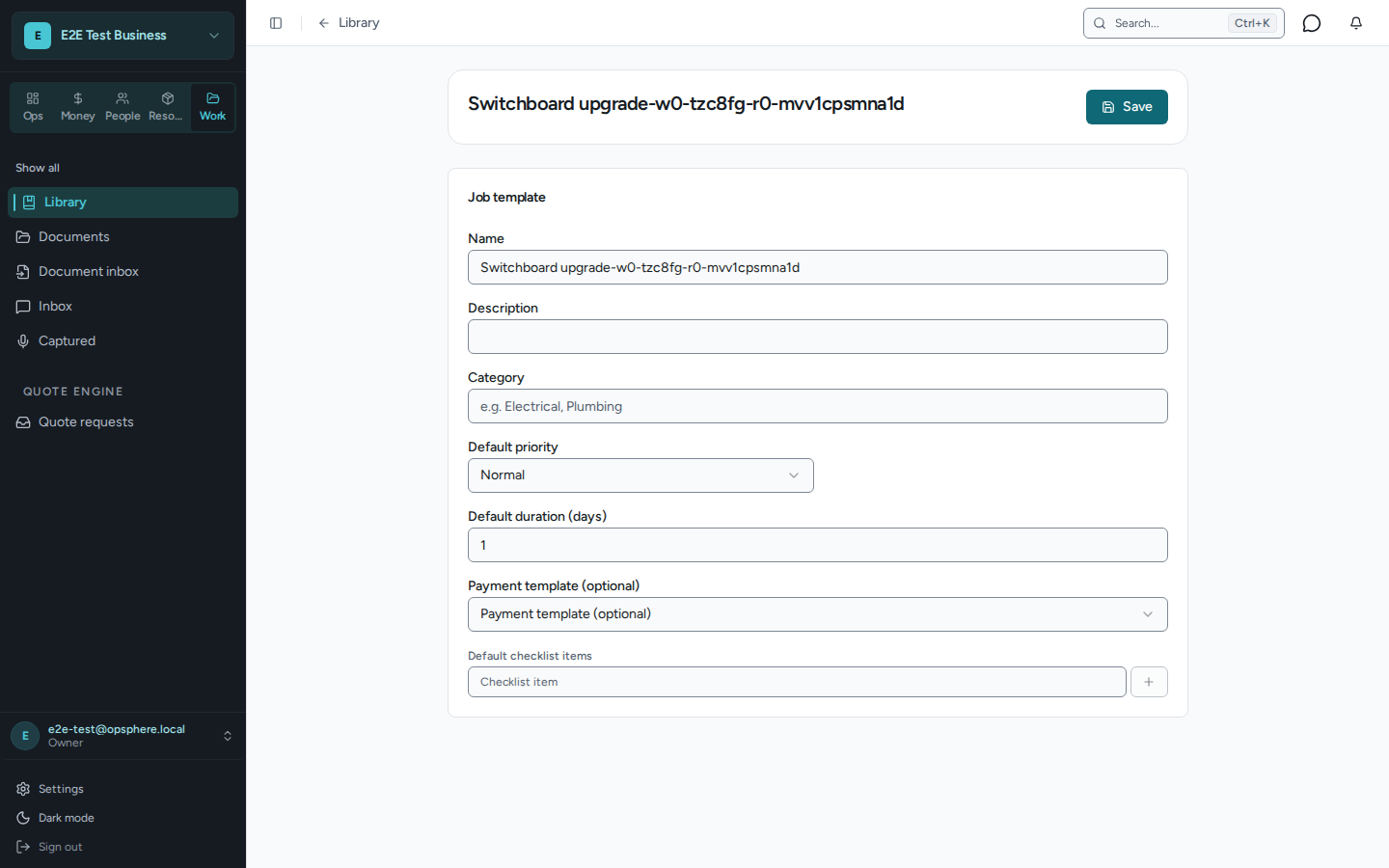
Reuse quote sections, tasks, job templates, forms and documents. Use your own library or start from a published trade content pack.
Make the plan useful on site
Job notes, photos, time records, voice capture and recurring work.
+
Field work records
Work through assigned tasks, capture job notes and photos, and record time against the work.
Voice capture and Ask
Capture job notes or quote requests by voice. Ask about business records you have permission to see, with links back to the source.
Projects and recurring jobs
Group related work into projects and set up recurring job templates for work that comes around again.
Know what the next job needs
Stock, purchasing, equipment maintenance and service contracts.
+
Stock and purchasing
Manage catalogue items, stock levels, reservations and purchase orders, with supplier records alongside them.
Equipment and maintenance
Keep an equipment register and review maintenance due across customer assets and sites.
Service contracts
Manage fixed-fee service arrangements and plan the visits and work they cover.
Keep the business behind the job in view
Expenses, supplier bills, financial reports and team access.
+
Time, expenses and supplier bills
Record and review time and expenses. Keep supplier bills and the documents behind them in your business workflow.
Financial reporting
Review job and customer profitability, invoice aging and business financial reports, subject to your access permissions.
People, access and compliance records
Manage team access and keep licences, obligations and compliance documents organised. These records support your processes; they do not guarantee compliance.
Available tools depend on your business setup, enabled features, plan and permissions. Start with the workflows you need and add others as they fit your business.
Bring your workflow. See where it fits.
Already using another system? Plan what needs to carry across.